youtube.nixfred.com nixfred.com
Topic

Linux

Everything tagged Linux.

12videos

← All videos

13:58
Chase AI

10 NEW Github Repos Every Claude User Must Use

Chase Hannegan runs down ten open source repositories that surfaced in the past month, from DeepSeek Harness, a plugin based agent framework that picked up over 200,000 GitHub stars in two weeks, to Claude of Tanks, a browser playable World of Tanks recreation built entirely with Claude Code. In between: Omarchy bakes AI agents into Arch Linux itself, Anydoc converts fourteen document formats to Markdown in milliseconds, Herdr and Orca give agents a terminal and an IDE built around them, Claudex-Loop makes Claude and Codex grade each other's work, and OpenMontage, OmniRoute and Archify handle AI video, model routing and codebase diagrams. Every pick is demonstrated live, with an honest verdict on who should install it.
AIDevOpsLinuxAug 30, 2026
5:15:51
Lex Fridman

DHH: Future of Programming, AI, Agentic Engineering, Vibe Coding & Linux | Lex Fridman Podcast #501

Thirteen months after his last appearance, DHH tells Lex Fridman he has not hand written a single line of the code that shipped in Omarchy Quattro, and spends five hours producing the receipts. He dates the turn to November 24th 2025 and Opus 4.5, argues the value of beautiful code is now conditional on token scarcity, merged over a thousand agent written pull requests in three months without reviewing them himself, and ranks six models on one real Python to Rust translation with times and token costs. It also runs through Rails, the 37signals model, racing, fatherhood, Danish immigration statistics, longevity, and why he would pick the 1980s.

AILinuxCareerAug 26, 2026
1:21:28
David Heinemeier Hansson

Omarchy Quattro

DHH releases Omarchy Quattro, version 4 of his Arch plus Hyprland Linux distribution, and spends 81 minutes touring every corner of it on launch day. The shell has been rebuilt on Quickshell with a draggable, pluggable menu bar, a community registry at omarchyplugins.com with 114 plugins on day one, and Omarchy itself repackaged as a system package you layer your own config on top of. He demos the whole machine keyboard first: 20 themes plus Aether wallpaper extraction, pre-update snapshots with Limine rollback and a factory reset, a private Cloudflare hosted package mirror running one month behind Arch, Rails in one keystroke via mise, gaming through Proton, Windows in a VM, and new dual boot. The real pitch underneath is an agentic operating system: coding agents installed out of band through mise, wired to crash diagnosis and OS skills, used to vibe-code your own bar plugins, and entirely optional if you want none of it.

LinuxAIDevOpsAug 14, 2026
5:47
Jeff Geerling

Intel just matched Apple Silicon. Seriously.

Jeff Geerling tests the $699 Dell XPS 13 ($599 for students and teachers) and argues it would not exist if Apple had not shipped the MacBook Neo in March: Dell copied the idea and did most of it one notch better, with a matte 120 Hz variable refresh touchscreen at higher resolution, a backlit keyboard on par with Apple's, two 10 gigabit USB ports that both drive displays instead of Apple's single 480 megabit USB 2 port, and a 512 GB SSD that doubles the Neo's base storage, runs faster, and can be swapped by the owner. The losses are real: weaker speakers, no headphone jack at all, audible fans, Windows as the only officially supported OS complete with an Xbox ad and a OneDrive nag, and a Core i5 iGPU that cannot hold a candle to the Neo's A19, with the almost entirely GPU bound Gravity Mark showing the Mac nearly doubling the Dell's score. The surprise is efficiency. On the Top 500 supercomputing benchmark the chip throttles after ten seconds to settle at 20 watts and still crushes every other x86 chip Jeff has ever tested for compute efficiency, and when he re-ran the suite on the four e-cores alone and then on the performance cores alone, each set separately landed among the most efficient computers he has measured, beating most Apple Silicon Macs. Idle draw matches Apple at under a watt with the display off and about 4 watts at half brightness, and Wi-Fi 7 sustains a gigabit for a few watts. He pops out Dell's drive, installs Fedora 44, gets every piece of hardware working after a USB Ethernet adapter and a round of updates, and recommends the machine at the price largely because Linux will keep it alive long after both Dell and Apple stop caring.

HardwareLinuxAppleAug 7, 2026
32:39
NetworkChuck

you need to use Hermes RIGHT NOW!! (goodbye OpenClaw!!)

NetworkChuck makes the case for switching from the OpenClaw agent harness to Hermes, the agent from Nous Research, and walks through installing it on a Hostinger cloud VPS wired to ChatGPT Codex and Telegram. He builds a Hogwarts themed IT agent named Ron Weasley, then shows the five reasons he switched: the vibe, the memory system with hard caps that force curation, the people and story behind the tool, agents that write their own skills via a self improvement loop, and the fact that it just does not break. Live demos have the agent learn the network over Twingate, control a Home Assistant studio, and manage UniFi, crystallizing its own skills as it goes. Cofounder Jeffrey Quesnelle joins to explain the philosophy: give the model hands and get out of its way.

AIDevOpsHomelabMay 20, 2026
15:21
Sonoran Tech

Install Kasm Workspaces in 10 Minutes (Docker + Remote Desktops in Your Browser)

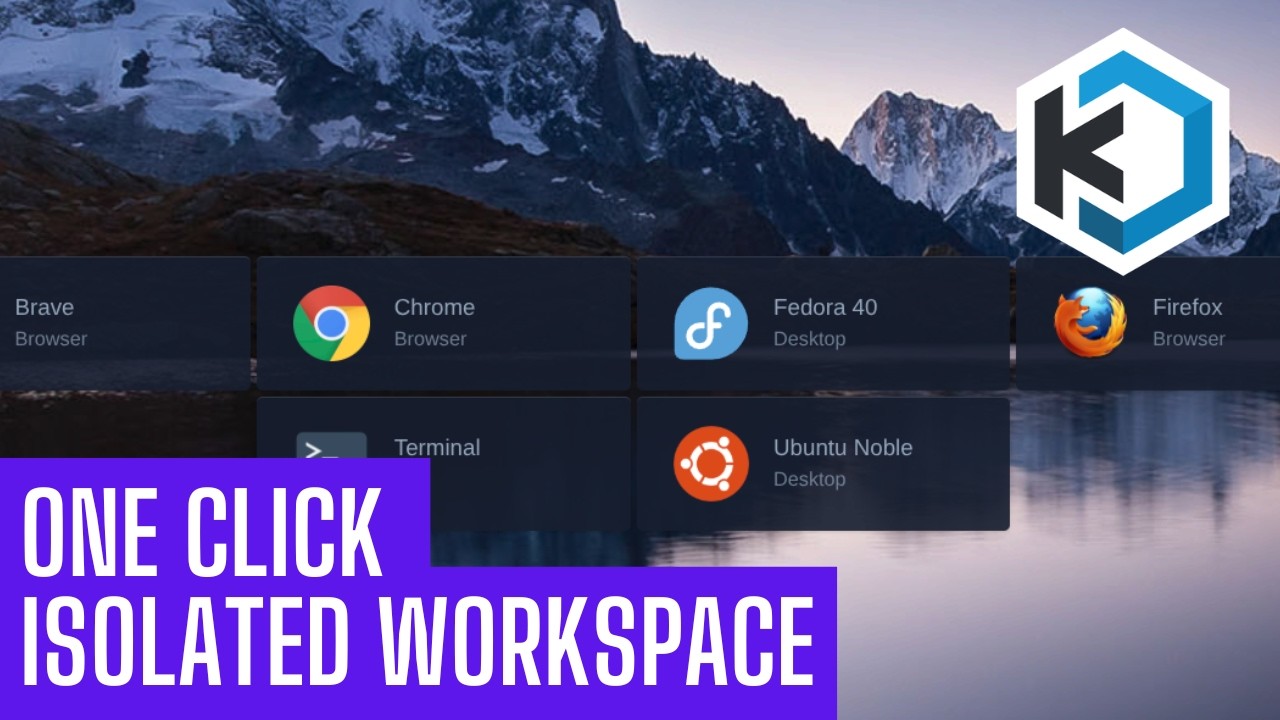
Sonoran Tech makes the case for disposable computing and then builds it: Kasm Workspaces runs containerized apps and full Linux desktops on a server in your home lab and streams them into a browser tab, so the link you do not trust and the bank session both run somewhere that is not your machine and neither one survives being closed. He demos a Chrome workspace and a whole Ubuntu desktop in a tab, then builds a fresh Proxmox VM (Ubuntu Server, eight cores, modest disk), pastes the single server install block straight off the Kasm docs, catches live that the install script needs sudo, and is emphatic that you write down the credentials the installer prints because recovering them means going into the database. The last third is the part quick starts skip: persistent profiles, which take one host directory at /mnt/kasm_profiles owned 1000:1000 with mode 700, a profile path configured per workspace rather than globally, and path variables that segment the data by user and image. He proves it by touching a file in an Ubuntu session, deleting the session outright, and finding the file waiting in the next one. The hard limit he states plainly: profiles persist your home directory, not apt installs, so the moment you need package changes to stick you are back on a full VM or building a custom workspace image.

HomelabLinuxDevOpsFeb 23, 2026
2:06:25
freeCodeCamp.org

Kubernetes Course – Certified Kubernetes Administrator Exam Preparation (2026 Update)

A full Certified Kubernetes Administrator (CKA) prep course aligned with Kubernetes 1.34 and the 2026 exam environment. It walks the entire official curriculum in order, building a real multi node cluster with kubeadm and demonstrating every task hands on: cluster architecture, installation, upgrades, etcd backup and restore, RBAC, deployments and rolling updates, autoscaling, services and ingress, network policies, persistent storage, and systematic troubleshooting. Every concept comes with the kubectl commands and YAML manifests, mapped to the exam domain weights where troubleshooting is the heaviest. You could study for the CKA from this course alone.

DevOpsLinuxCareerFeb 10, 2026
49:12
Learn Linux TV

Complete Kasm Deployment Guide - Proxmox, Cloud & More

Jay LaCroix of Learn Linux TV deploys Kasm Workspaces, the self hostable platform that streams apps and full Linux desktops into a browser tab, four different ways. He builds it in a Proxmox VM (the same recipe as bare metal), hand builds it on an Akamai cloud instance, hardens that instance with a real Let's Encrypt certificate, and finishes with a one click DigitalOcean marketplace droplet. The installer is identical everywhere: download the Linux Server tarball, extract, run sudo bash install.sh, and log in as [email protected]. Along the way he covers the standard new server hygiene (non root user, sudo, hostname, updates, reboot) and the certificate swap that turns the self signed warning into a trusted green padlock.

LinuxHomelabDevOpsJun 10, 2025
14:33
typecraft

NEVER lose dotfiles again with GNU Stow

typecraft opens on a fresh Linux box with an ugly terminal and a bare Neovim, then restores his entire environment with one command using GNU Stow, a symlink farm manager that pairs with a git repository to deploy dotfiles to any Linux or macOS machine. He builds the idea from the ground up: a live ln -s demo showing that a symlink and its target are one coupled file, the Stow package naming convention that mirrors each config's path relative to $HOME (nvim/.config/nvim, zsh/.zshrc), and hands on demos stowing his real Neovim and tmux configs. The payoff is the loop: edit a config anywhere, the change flows through the symlink into the repo, commit and push, and every other machine syncs with a pull.

LinuxDevOpsJun 14, 2024
17:23
Dreams of Autonomy

This Zsh config is perhaps my favorite one yet.

Dreams of Autonomy builds a complete zsh environment from an empty .zshrc, line by line, chasing what he calls a zenful terminal: minimal on screen, powerful underneath, and fast enough that opening a new window has no perceptible delay. The build is zinit as a self bootstrapping plugin manager, Powerlevel10k in Pure style with instant and transient prompt, the big three plugins (syntax highlighting, completions, autosuggestions), a properly shared history with prefix matched search on Ctrl+P and Ctrl+N, case insensitive colored completions, fzf plus fzf-tab turning both reverse search and Tab into a fuzzy finding window with directory previews, Oh My Zsh plugins pulled in as individual snippets without installing Oh My Zsh, and zoxide replacing cd outright. Every line is explained rather than pasted, including the parameter expansion in ZINIT_HOME, what zinit's ice command means, and why zinit cdreplay -q has to sit under compinit. The finished config is published as zensh.

LinuxDevOpsMay 16, 2024
49:33
Learn Linux TV

Kasm Workspaces Simplified: The Essential Guide for New Users

Jay LaCroix of Learn Linux TV gives a complete getting started guide for Kasm Workspaces, the container based platform that streams individual apps and full Linux distributions into a web browser tab. He covers what Kasm is and its use cases, the server requirements and supported distributions, the standard installer, and a full tour of the admin console. Then he launches and manages workspaces (Alma Linux, Doom, Firefox), closes sessions, wires up the Open in Isolation browser plugin, adds a third party linuxserver.io registry, removes workspaces, and breaks down the self hosted and cloud pricing tiers. A hands on companion to his separate Kasm review, aimed at anyone ready to self host it.

LinuxHomelabDevOpsNov 14, 2023
1:12:03
TechWorld with Nana

Kubernetes Crash Course for Absolute Beginners [NEW]

Nana Janashia teaches all of Kubernetes in one hour. It starts with what container orchestration is and why microservices made it necessary, walks the cluster architecture of master and worker nodes, then explains every component you use day to day (pods, services, ingress, ConfigMaps, secrets, volumes, deployments, and StatefulSets) by building one example app. The second half is hands on: install Minikube and kubectl, write four YAML files, and deploy a MongoDB database with a Node.js web app reachable in a browser through a NodePort service. A reader finishes able to stand up a real application on Kubernetes.

DevOpsLinuxNetworkingSep 30, 2021